Waiter Ordering App for Fast Mobile Table Orders
Let waiters use their own authorised mobile login to select a table, add items quickly and submit the order to kitchen without sharing the owner account.
From order taking to the final bill — without entering the same order again
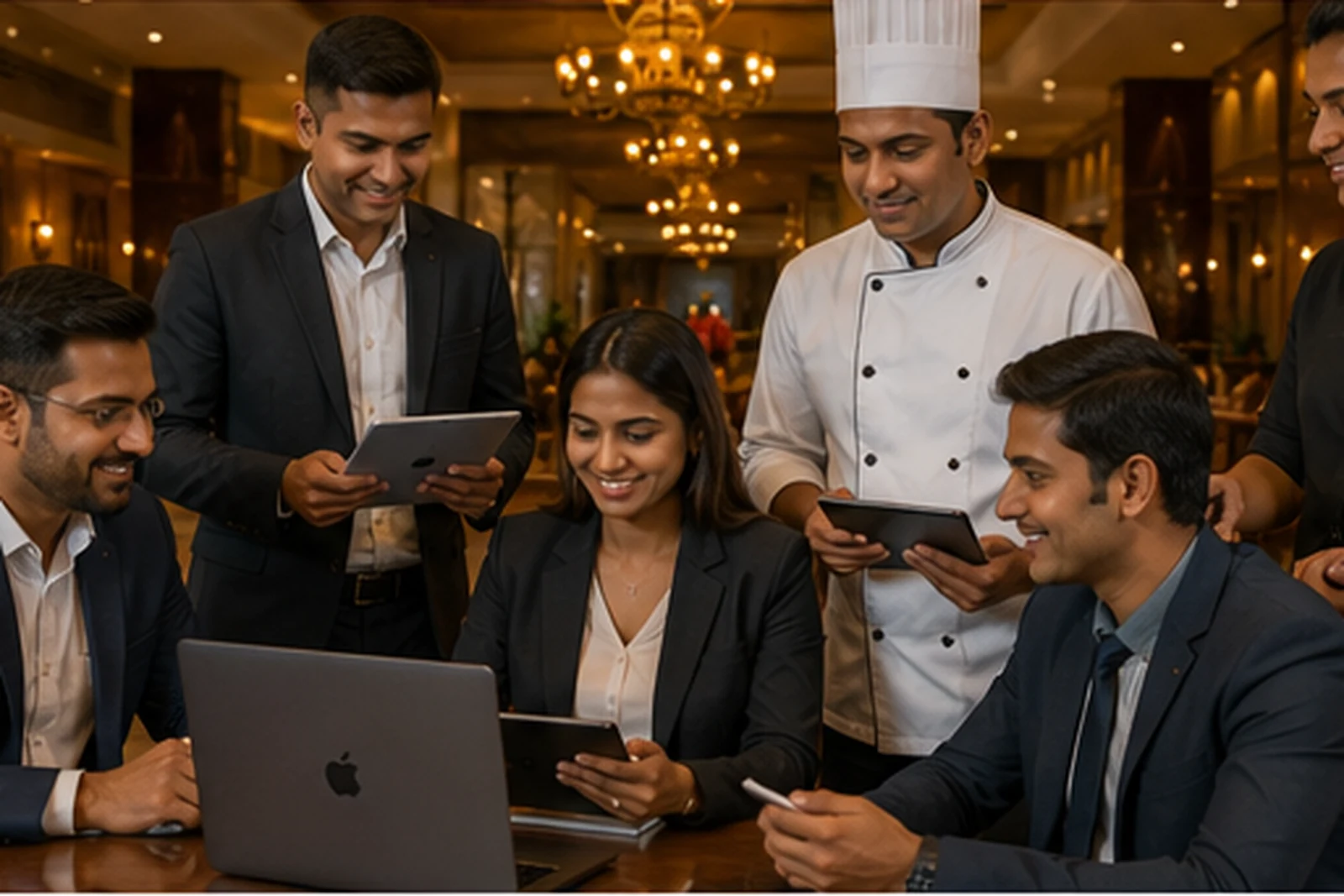
During rush hours a waiter needs the shortest path from table selection to kitchen submission. Smart Hotel QR provides a mobile-first waiter workflow connected to the same restaurant order, KOT and billing lifecycle.
Key capabilities for day-to-day restaurant operations
Use the modules that match your setup while keeping ordering, kitchen and billing connected.
A workflow your team can understand quickly
Follow the operational path from order entry through kitchen processing and completion.
Exact available features depend on restaurant configuration and enabled modules. External services such as payment gateways, WhatsApp APIs and physical printing require their respective configuration.
Is this the right solution for you?
Use these checks to compare the page with your real operational requirement.
Good fit when
- Restaurants with waiters taking table orders on phones
- Busy dining rooms where speed and fewer taps matter
- Owners who do not want to share owner credentials with staff
What to verify in a live demo
- Login as staff on a separate phone
- Select/change a table and add items using search/categories
- Submit to kitchen and add eligible items to the running order
Frequently asked questions
Clear answers to common questions before choosing this workflow.
Does the waiter need the owner password?
No. The owner can create a separate staff account and assign operational access.
Can a waiter add items to a running order?
The product supports eligible additional-item flows while keeping the order linked to the same table and kitchen workflow.
Is it designed for mobile use?
Yes. The waiter flow is designed for phone use with quick table, menu, cart and kitchen-submit actions.
See the workflow for your restaurant or cafe
Discuss your menu, order modes, KOT, kitchen and billing requirements before setup.