Kitchen Display System for Restaurants with Connected KOT Workflow
Give kitchen staff a focused screen for incoming restaurant orders without exposing full owner administration.
From order taking to the final bill — without entering the same order again
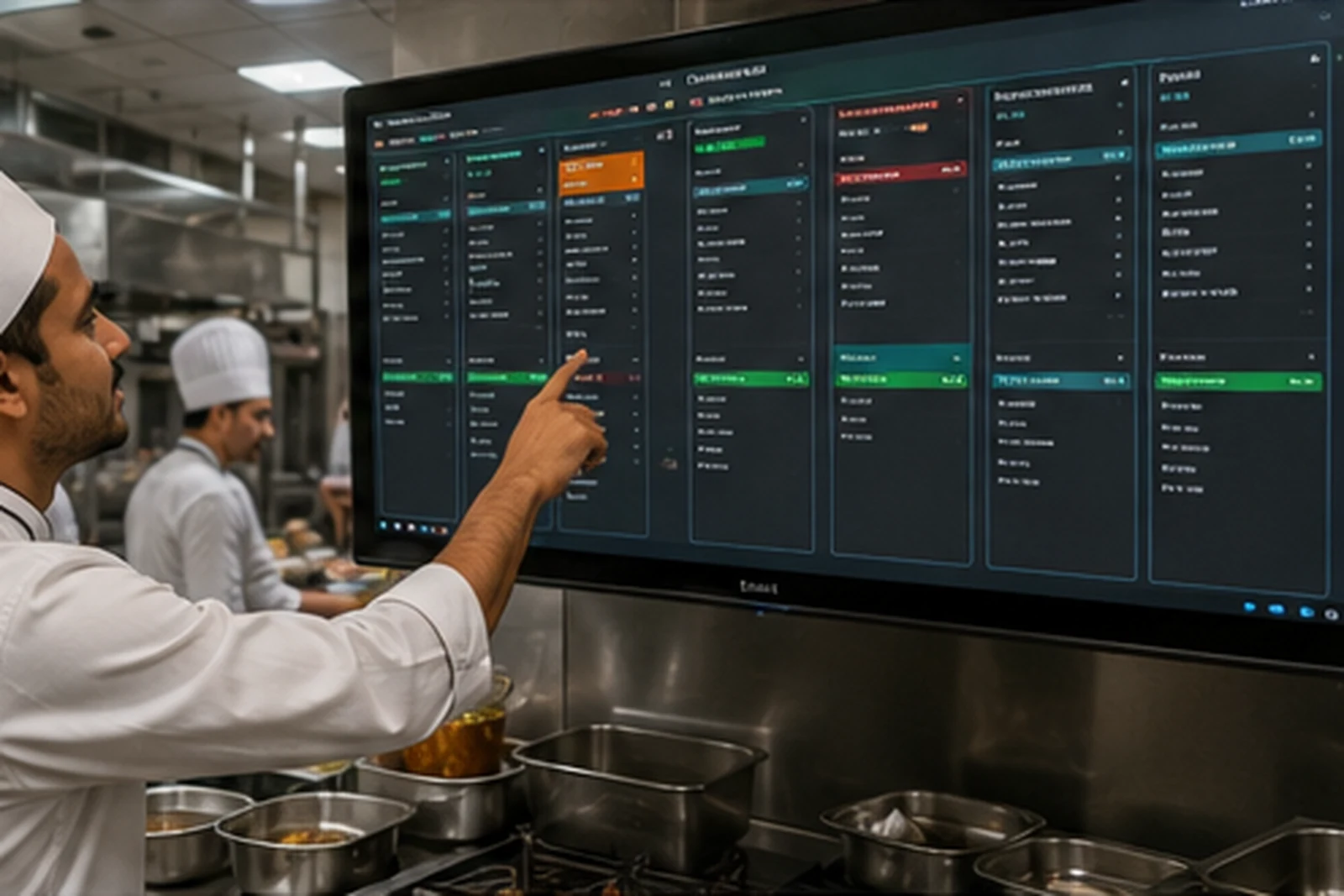
The kitchen needs a clear operational queue rather than the full billing dashboard. Smart Hotel QR includes role-separated kitchen access and status transitions designed around preparation and handoff.
Key capabilities for day-to-day restaurant operations
Use the modules that match your setup while keeping ordering, kitchen and billing connected.
A workflow your team can understand quickly
Follow the operational path from order entry through kitchen processing and completion.
Exact available features depend on restaurant configuration and enabled modules. External services such as payment gateways, WhatsApp APIs and physical printing require their respective configuration.
Is this the right solution for you?
Use these checks to compare the page with your real operational requirement.
Good fit when
- Restaurants that want a dedicated kitchen screen
- Owners who do not want kitchen staff inside full administration
- Teams that need preparation/ready status visibility
What to verify in a live demo
- Login with kitchen-only access
- Confirm a valid incoming order appears with its item details
- Change preparation status and verify it synchronizes to the order workflow
Frequently asked questions
Clear answers to common questions before choosing this workflow.
Does kitchen staff need owner access?
No. The project includes separate kitchen access so kitchen work can remain role focused.
Can the kitchen see orders from different sources?
Supported valid orders are designed to feed the common kitchen workflow.
Is a printer mandatory?
The kitchen display itself is browser based; printing capabilities depend on the configured print workflow and hardware.
See the workflow for your restaurant or cafe
Discuss your menu, order modes, KOT, kitchen and billing requirements before setup.